ArtWorkout
UX/UI concept for a complete drawing lesson on iPad
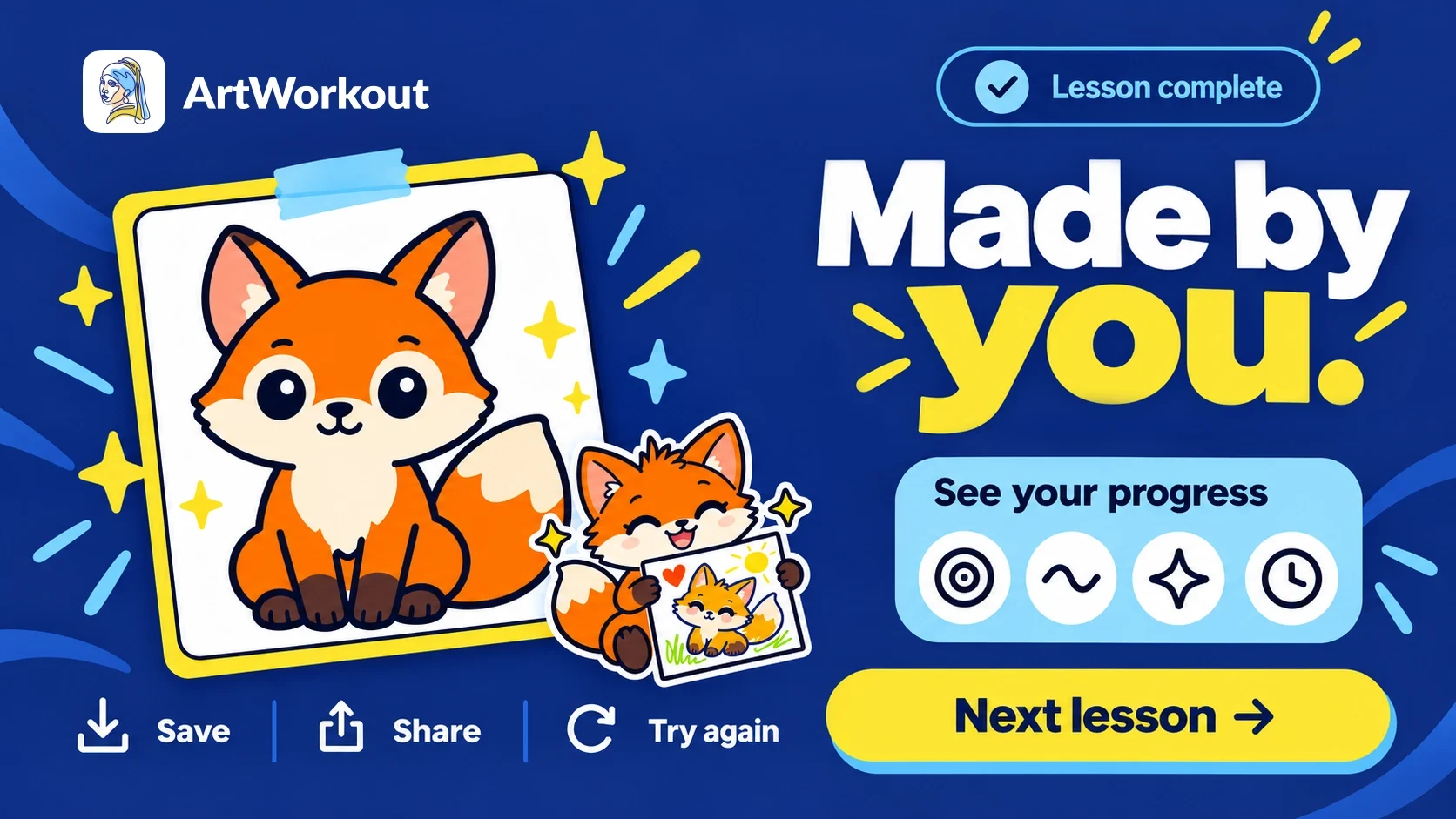
A cohesive lesson experience for an app that teaches drawing step by step, from presenting the finished artwork and explaining the results to choosing what comes next. The screens, states and transitions were defined independently to help learners understand their progress, save their drawing, share it, try again or keep learning.
- Role
- UX/UI design, Interactive prototyping
- Platforms
- iPad, Browser prototype
- Tools
- Figma, HTML/CSS, JavaScript, Canvas, Playwright, Codex, imagegen
- Year
- 2026
- Tags
- Learning to draw
- Lesson experience
- Feedback
- Design system
Challenge
The assignment was to design a complete drawing lesson in ArtWorkout as a cohesive user experience, from presenting the finished artwork and explaining the results to choosing what to do next. The required screens, states and transitions had to be defined independently, connecting artwork review, feedback, saving, sharing, another attempt and further learning into a coherent flow.
The central question was how to connect skill feedback with a sense of achievement. The guiding hypothesis was that showing learners their own artwork before the metrics would help them feel ownership and decide what to do next.
Artwork first, metrics second
After the final drawing stage, the tools and guides disappear while the drawing remains on its own paper card. A celebration and a message acknowledging that every line is theirs reinforce personal achievement. The transition to results keeps the artwork in view.
The next lesson becomes the primary action on the results screen. Save, Share and Try again form an equal secondary row. Feedback describes a specific skill, and comparisons with the previous attempt appear when there is data to support them.
Key flows
- Guided drawing
The demo lets learners draw Little Fox in four stages: outline, colors, face and details. Dotted guides and an accessible reference support the process, while drawing tools, undo, zoom and pan provide control over the canvas.
- Understandable results
Accuracy, line smoothness, first try and time are presented separately with explanations. There is no overall score; time provides context and does not affect the result. A demo model calculates values from the learner’s strokes.
- Saving and sharing
The finished drawing can be downloaded as a PNG. Sharing includes a preview, social links and the system share menu where supported. When the browser cannot attach the image, the interface offers a download.
- Retrying and continuing
A new attempt starts on a blank canvas while the previous artwork stays in the library for the session. The next lesson opens a choice of Hedgehog, Panda and Koala, each with a skill description; the demo provides previews for these lessons.
Visual system
The palette draws on the supplied logo: navy, sky blue and yellow. White cards with offset color backings, illustrated characters and short encouraging messages connect the drawing process with its outcome. The Figma deliverable includes variables, styles, 48 components and sets, 31 editable states and 107 prototype connections.
Outcome and validation limits
A standalone HTML prototype covers quick setup and lesson selection through drawing, celebration, results and follow-up actions. It includes English and Russian interfaces, mouse, pen and touch controls, and reduced motion. Two square social banners highlight the lesson outcome; the second uses the complete application logo, including its symbol and wordmark.
The QA report records 714 automated checks with no failures in the final run. It also notes a timeout in one run that passed on retry. Only one lesson is fully drawable in the demo. Physical iPad testing and user sessions have not been conducted, and the effect of the proposed hierarchy on motivation remains a hypothesis.
Artworkout promo video
Lesson Completion Banner
The main concept is to communicate the joy of achievement, highlight the user's personal progress, and encourage continued learning. The primary design goal is to turn lesson completion into a rewarding emotional experience that strengthens user satisfaction and encourages continued engagement with the app.
Have a role or project that fits?
I reply on Telegram and by email.